
Connect End of Support: Check Your Jira Time Tracking App
Connect end of support begins January 31, 2027. How to see which Jira apps still run on Connect, what each Connected apps banner means, what to check.
Connect end of support begins on January 31, 2027. From that date Atlassian fixes only critical security vulnerabilities in Connect, and Connect features can be removed with far less notice (Atlassian, August 3, 2026). If your timesheets, approvals or client billing run through a Marketplace app, find out which platform that app is on before your next month-end close.
Over 95% of paid app seats are already on Forge (same post). Atlassian Administration shows you which of your apps are not.
Find your Connect apps
Open the Connected apps page in Atlassian Administration. Since mid-July 2026 Atlassian has been adding a banner under the name of every installed app that still runs on Connect, fully or in part (What admins see on the Connected Apps page). Private apps built for your company also get a LEGACY status there (Atlassian guidance for private apps).
The banner tells you what the vendor has committed to:
| What you see under the app name | What it means | What to do |
|---|---|---|
| Nothing | A Forge app with no Connect parts left | Nothing |
| Yellow, asking you to update the app | A newer version on Forge exists, your site runs an older one | Update the app |
| Blue, with a link to the vendor's plan | The vendor committed to migrate before January 31, 2027 | Read the plan and note its date |
| Yellow, with a link to the vendor's plan | The vendor is undecided, or will not migrate before end of support | Read the plan, then decide |
| Yellow, pointing you to the Marketplace listing | The vendor has declared nothing | Ask the vendor through the listing |
The blue and yellow banners with a plan link carry the same words; the color is the part to read.
What the yellow banner does not mean
It is not a shutdown notice. When a Marketplace vendor reported in October that its enterprise customers read it that way, Atlassian replied that the message "isn't a notice that apps will switch off on that date" (Atlassian Developer Community, October 15, 2026).
The risk is slower than that. Connect stops evolving with Jira, and Atlassian expects platform changes to make some Connect apps stop working without advance notice (Atlassian, August 3, 2026). For a time tracking app, that is a month-end with timesheets nobody can submit.
Four checks for a time tracking app
Is your version current? A vendor that migrated ships the Forge version as an update of the app you already have. You may need to update to it or approve new permissions (same post). If the banner asks you to update, do it in a quiet week, not during close.
What does the plan say? The link in a blue or yellow banner opens the vendor's own migration plan. Look for a date. A plan without one tells you something too.
Where does the app keep your data? Standard Jira worklogs stay in Jira whatever happens to the app. Approval history, timesheet periods, billing accounts and team setups sit in the app, and you export them from the app. Find each export now, while everything works.
When would you switch? If the plan has no date, pick the month you would move and work back from it. January is the worst month to do it: last year's timesheets close in it, and end of support lands on its last day.
Timesheets for Jira and Connect end of support
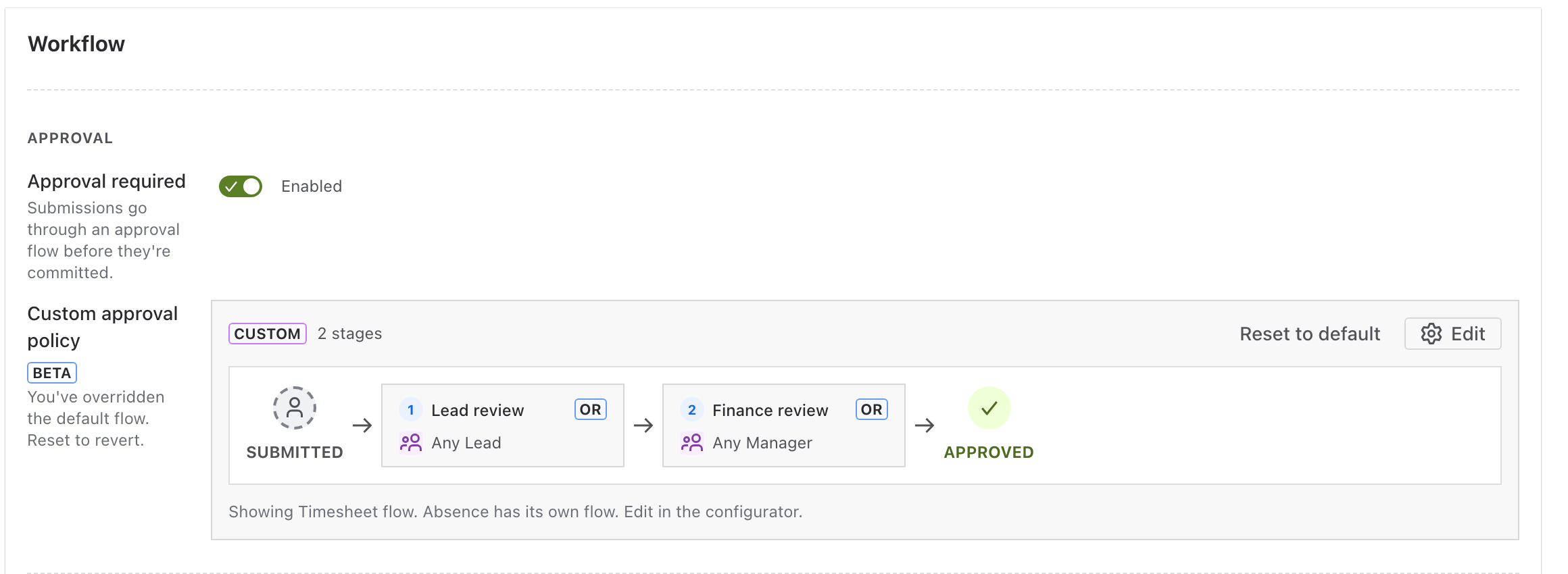
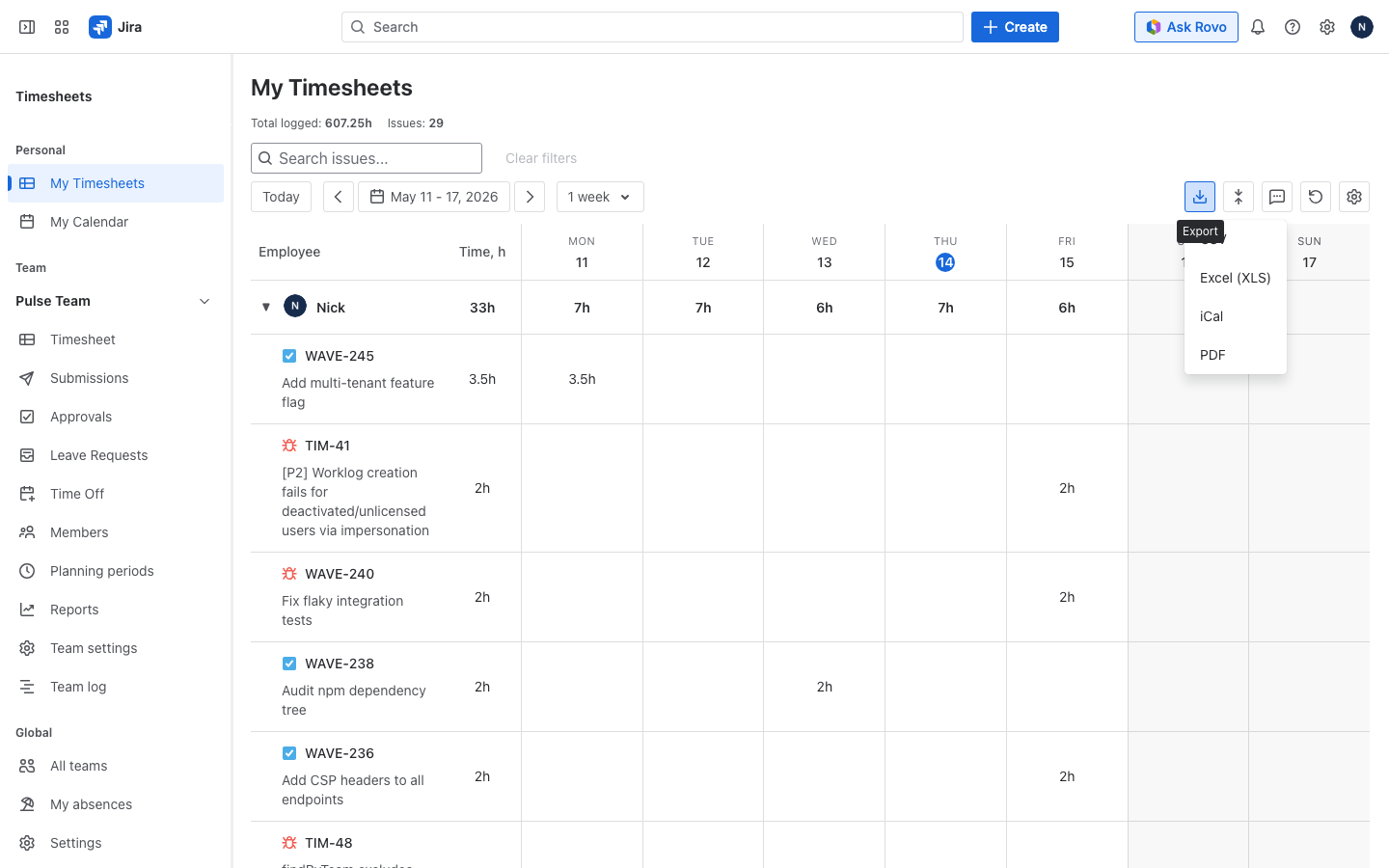
Timesheets for Jira is built on Forge with no Connect parts, so the Connected apps page shows no banner for it. Worklog data never leaves Atlassian. The app is free on the Marketplace. It does timesheet approvals in one or more stages, approvers by role or by name, a block on approving your own timesheet, absences next to logged hours, and export to CSV, Excel, PDF and iCal.
Get Timesheets for Jira on the Atlassian Marketplace
Related: How to Set Up Timesheet Approvals in Jira (Step by Step), Tempo Forge Migration: What Breaks and How to Fix It, Jira Worklog Reports: Native Options and Their Limits.